Building a Plug & Play Claude Code Dev Container for AL Development
A few weeks ago I shared my Claude Code configuration for AL development — the CLAUDE.md instructions, the agent profile, custom commands. It’s all public and you’re welcome to use or adapt it. But getting it into a new project still involves some manual steps, and there’s one thing that always annoyed me: I was running Claude Code outside my dev containers. Not because I wanted to, but because I didn’t want to authenticate inside every new container.
That’s what this stream was about. The goal: a dev container that ships with Claude Code installed, authentication that survives rebuilds, and eventually AL-specific instructions baked in. I only had an idea, not a solution. Here’s how it went. You can watch the full stream on YouTube if you want to follow along.
Why Not Just Run Claude Code on the Host?
I run Claude Code with the --dangerously-skip-permissions flag. Without it, you sit there approving every single tool call. With it, Claude Code can read files, run commands, push commits — anything — without prompting. That’s useful, but you really don’t want that running unconstrained on your actual machine.
A dev container is the right sandbox. If Claude Code decides to do something destructive, it destroys the container — not your machine. You just spin up a new one. That’s the plan.
The problem I had before: Claude Code stores its authentication state in files under ~/.claude/ and in ~/.claude.json at the home root. Each new dev container starts with a fresh home directory, so you’re back at the login screen every time.
Voice Prompting and the Initial Design
I kick off sessions by speaking my prompt out loud. I have a keyboard shortcut that records my voice, runs it through Whisper on my GPU, and pastes the transcription into the clipboard. The result isn’t always word-perfect — “Claude Code” came out as “cloud code” consistently — but Claude Code doesn’t care. It understands the intent.
The first prompt described what I wanted: Ubuntu or Debian base, Claude Code installed and in PATH, auth that doesn’t require re-login on every container start. Claude launched a sub-agent to research auth options and dev container approaches, then came back and asked me to make three decisions interactively.
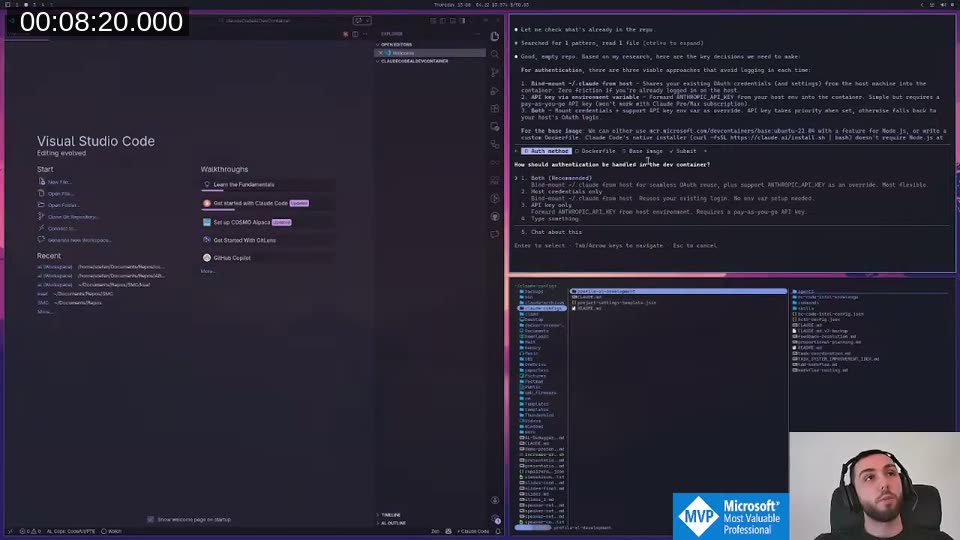
The options were: bind ~/.claude from the host machine (shares existing OAuth credentials), API key via environment variable, or both. I chose both. One important caveat Claude flagged: if you use a Claude subscription rather than a pay-as-you-go API account, the API key option doesn’t apply — subscriptions use browser-based OAuth login, not API keys. So the bind mount was the only real path for most people.
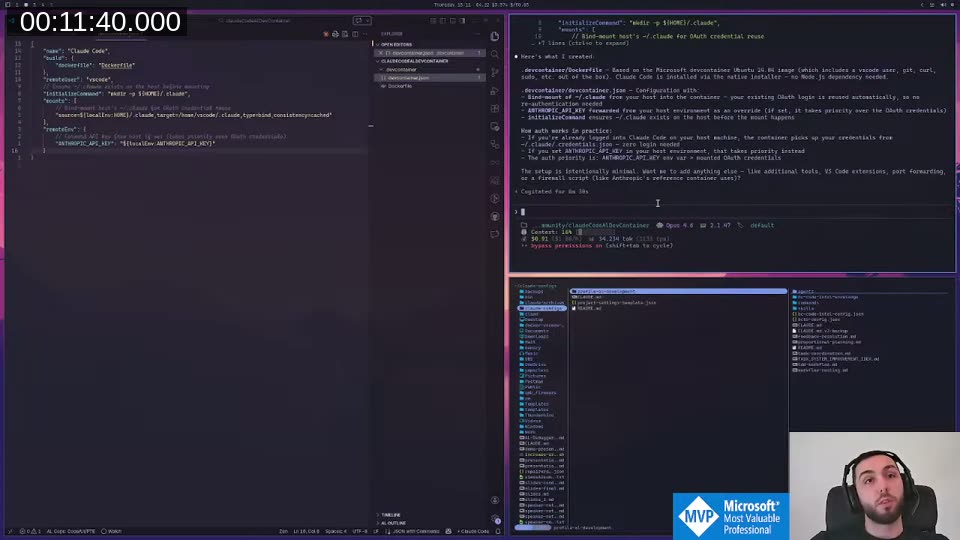
Claude then created a Dockerfile and devcontainer.json based on the Microsoft Ubuntu 24.04 image.
Distributing It as a Dev Container Feature
Rather than shipping a raw devcontainer.json + Dockerfile that people have to copy manually, Claude suggested the Dev Container Feature approach. A feature is a self-contained, composable unit of container tooling — distributed via GHCR, referenced in any devcontainer.json with a single line pointing at a GitHub URL. It’s how VS Code’s own official dev container extensions work.
Claude restructured the entire repository accordingly, generated a release pipeline with tests, created the GitHub repository, and pushed everything — including noticing that the GitHub Actions workflow had a 403 permissions issue and fixing it on its own before I even noticed. That level of autonomous handling still surprises me a bit. You don’t get that with Copilot.
📖 Docs: The Dev Container Features spec, including how to author and distribute your own features via GHCR, is at containers.dev/implementors/features . The devcontainers/feature-starter repo is the recommended bootstrap template.
Authentication Debugging
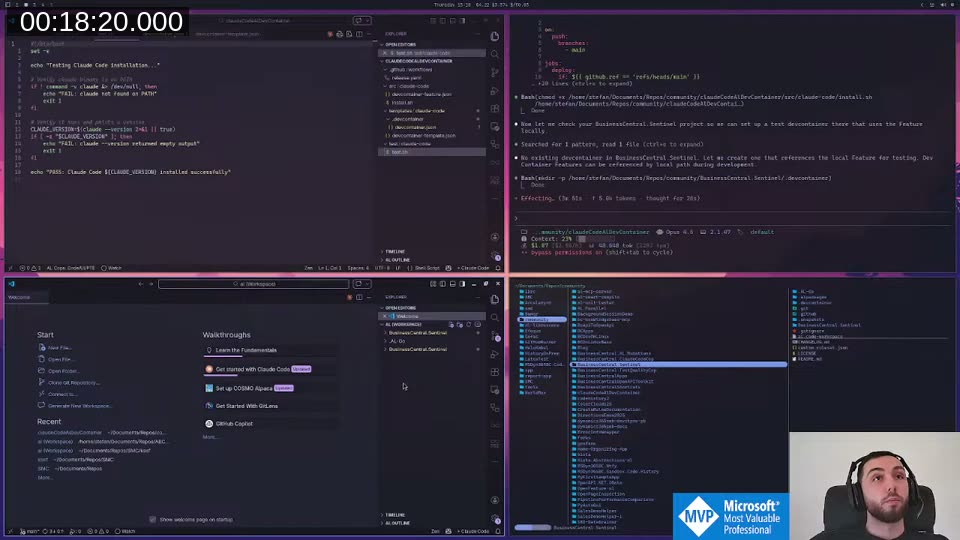
Once the feature was live on GHCR and I rebuilt the container using the real URL, Claude Code still asked me to log in and pick a theme on every start. The host bind mount wasn’t working.
The debugging approach: before completing onboarding inside the container, take a snapshot of ~/. with find. Complete onboarding, run find again, diff the results. That tells you exactly which files Claude Code writes.
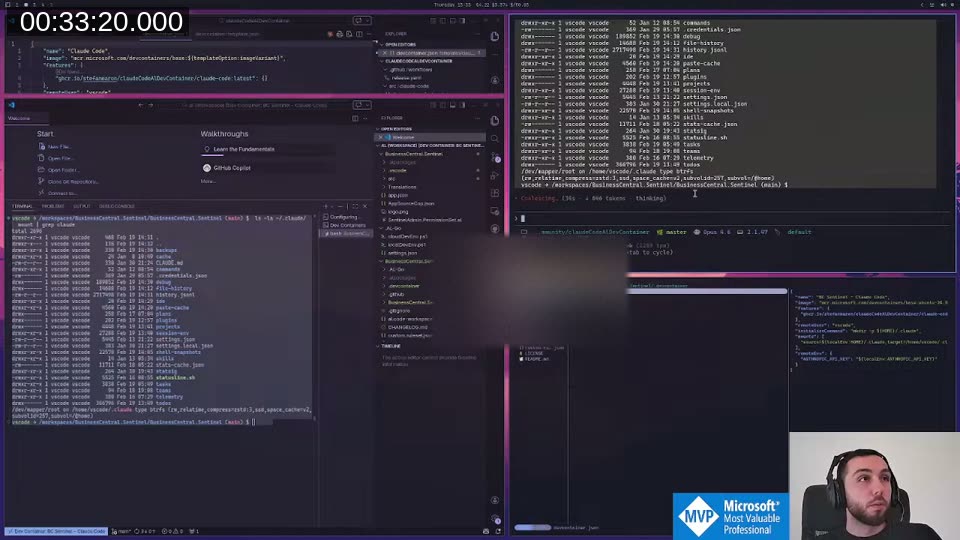
This revealed the missing piece. Claude Code uses two locations:
~/.claude/— credentials, config, commands (this was being mounted)~/.claude.json— a file at the home root, separate from the~/.claude/directory, containinghasCompleteOnboarding: trueamong other settings
Because ~/.claude.json was outside the mount scope, Claude Code saw valid, unexpired credentials but still triggered the full onboarding wizard. That’s the bug. “Apparently, Claude Code isn’t good at exploiting itself”, as I put it on stream.
The Solution: Named Docker Volumes
Mounting from the host has a deeper problem too. It ties the container to the host’s identity, and if you think about what we really want — an AL-specific Claude config with its own instructions and commands, shareable across all your AL projects — you’d want the container to have its own persistent ~/.claude, not inherit the host’s.
The better architecture: named Docker volumes.
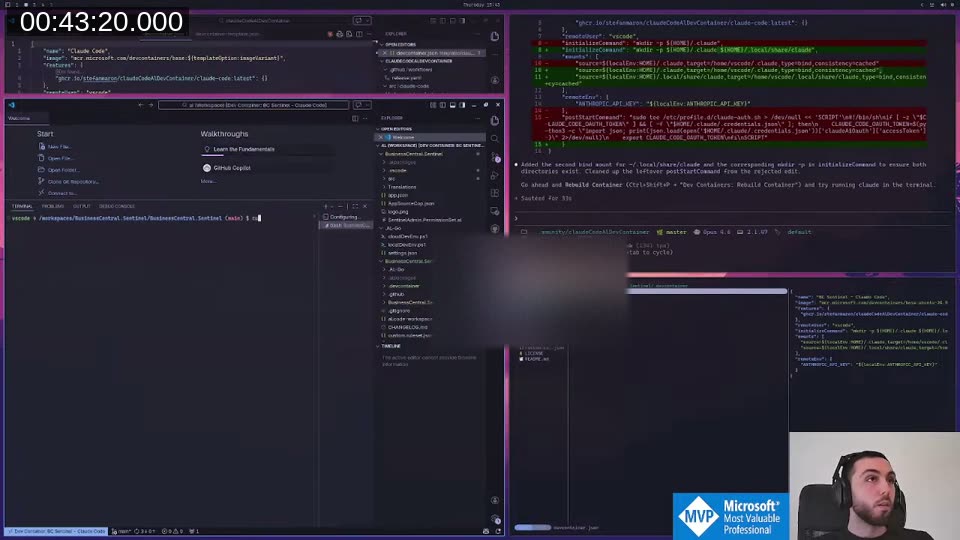
Two volumes: claude-code-config mounted at ~/.claude, and claude-code-data mounted at ~/.local/share/claude. Docker creates these automatically on first use. The postCreateCommand extracts the OAuth token from the mounted credentials file and exports it as CLAUDE_CODE_OAUTH_TOKEN — this is the env var Claude Code checks before triggering onboarding, so subsequent container starts skip the wizard entirely.
First time you use the container: authenticate once via browser.
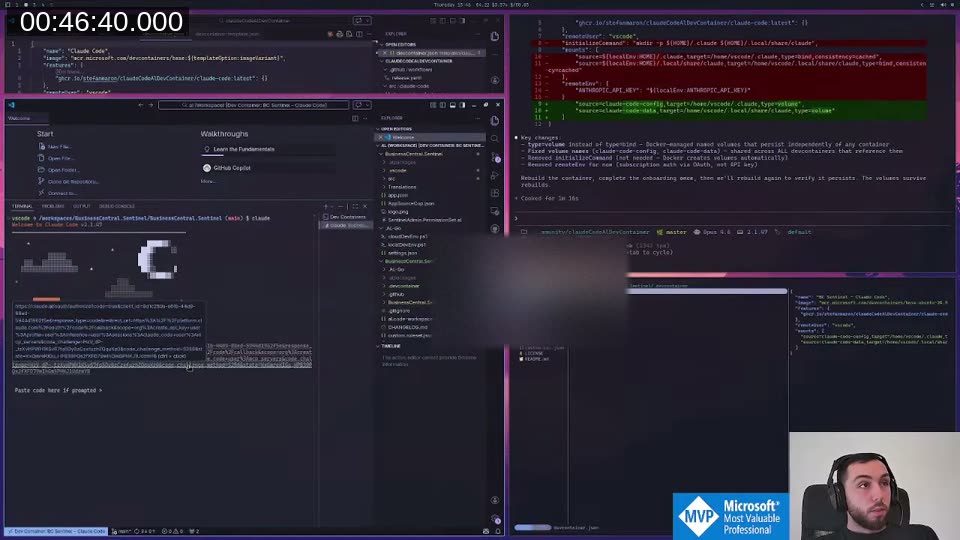
After that, the credentials live in the named volume and survive any number of rebuilds. You can also name volumes differently per project — or per group of projects — and use completely separate Claude subscriptions without them interfering with each other.
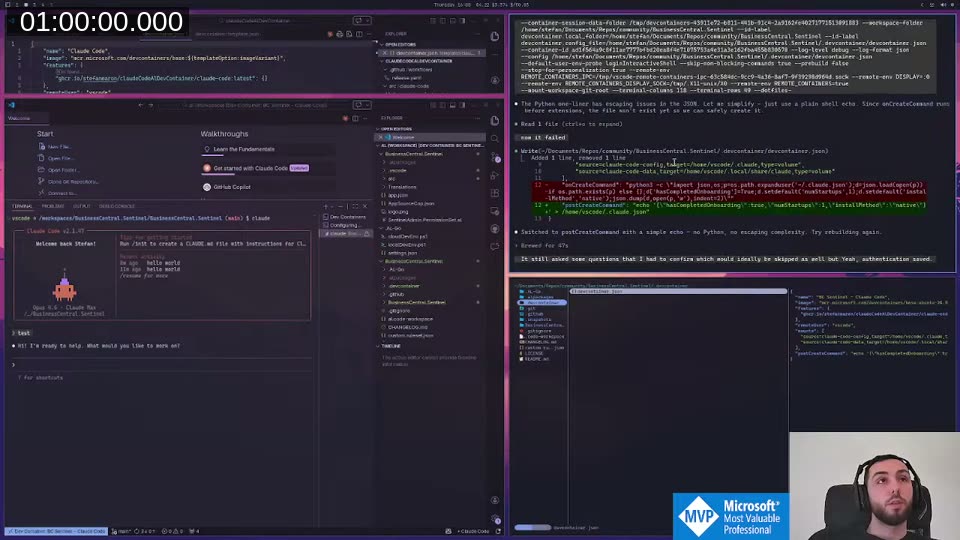
It still asked a couple of questions on first start (effort level, theme) that I’d want to suppress in the final version, but authentication was saved and persisted. Good enough for an MVP.
Removing GitHub Access from Inside the Container
With bypass permissions enabled, Claude Code can run git push, create PRs, interact with the GitHub API — anything. Inside a sandboxed container that’s supposed to be safe to let loose, that’s a gap.
The approach Claude came up with: strip the git credential helpers via environment variables set in devcontainer.json. GIT_TERMINAL_PROMPT=0, SSH_AUTH_SOCK="", GIT_ASKPASS=/bin/false, blanking GITHUB_TOKEN. This prevents git from reading any credentials, so git push fails with “could not read username”.
One catch: VS Code has its own GitHub authentication that runs at the host level and bypasses everything set in the container. When I committed changes through the VS Code source control UI, they pushed fine. That required an additional customizations.vscode.settings block in devcontainer.json to disable github.gitAuthentication and git.terminalAuthentication. With both in place, push from the terminal and through the UI both fail — Claude Code can’t reach GitHub.
Late Discovery: Anthropic Has an Official Dev Container
Deep into the session, with about 75% context consumed, Claude surfaced something I had no idea existed: Anthropic maintains a reference dev container specifically designed for Claude Code. It uses iptables to whitelist only Anthropic’s API domains and block all other outbound connections — a proper network-level firewall rather than credential stripping.
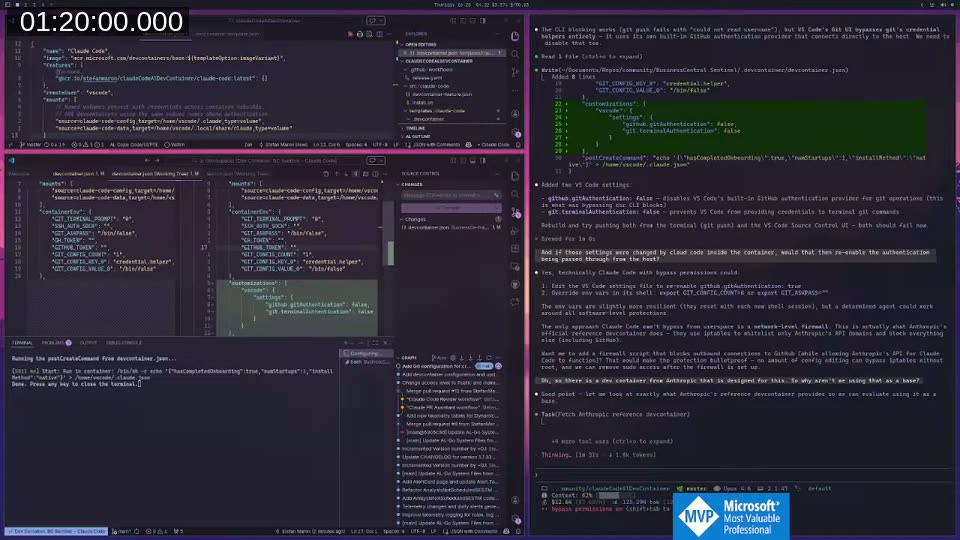
That’s obviously the right foundation. We’d been building most of what already exists. The official container gives you network isolation for free; what it doesn’t include is the AL-specific Claude configuration, shared volume auth persistence, and AL tooling.
📖 Docs: Anthropic publishes their own dev container feature at github.com/anthropics/devcontainer-features . You can reference it directly in any
devcontainer.jsonwith a single line:"features": { "ghcr.io/anthropics/devcontainer-features/claude-code:1": {} }
That’s what Part 2 will be.
What’s Next
The current state of claudeCodeAlDevContainer is the foundation: a dev container feature that installs Claude Code, sets up named volumes for persistent authentication, and blocks git credentials so Claude can’t reach GitHub. Authenticate once, rebuild as many times as you like.
What’s still missing:
- An AL-specific
~/.claudevolume that ships with instructions, commands, and agent profiles pre-configured — so you never need to copy CLAUDE.md instructions into individual AL projects - Using Anthropic’s official container as the base instead of rolling our own firewall solution
- Setting bypass permissions globally via
~/.claude/settings.jsonrather than passing it on the CLI — this is confirmed to work, the exact config is{ "defaultMode": "bypassPermissions" }
📖 Docs: The full permissions reference including all
defaultModevalues (default,acceptEdits,plan,bypassPermissions) is at code.claude.com/docs/en/permissions . ThebypassPermissionsmode skips all prompts and is intended specifically for isolated container environments like this one.
I’ll continue this live on stream. If you want to follow along or try the current state yourself, the repo is already public.
This post was drafted by Claude Code from the stream transcript and video frames. The full stream is on YouTube if you want the unfiltered version. (I did read and check the output before posting, obviously 😄)