Creating the ErrorInfo Wrapper
In this stream I built something I’ve been meaning to do for a while: a wrapper codeunit around the ErrorInfo type in AL. If you’ve ever tried to use ErrorInfo properly — with custom dimensions, navigation actions, fix-it actions — you know how much boilerplate it takes. I wanted to fix that.
The full stream is on YouTube if you want to follow along. The repo is at github.com/StefanMaron/ErrorInfoWrapper .
The problem with ErrorInfo today
Every time you raise an error in AL, you probably do one of two things. Either the quick-and-dirty version:
Error('Something went wrong');
Or, when you want to do it properly — with custom dimensions, a navigation action, telemetry info — you write something like this:
local procedure RaiseSomeCustomError()
var
    MyError: ErrorInfo;
    CustomDimensions: Dictionary of [Text, Text];
begin
    MyError.Message := 'My custom error message';
    CustomDimensions.Add('MyCustomDimension', 'MyCustomValue');
    MyError.CustomDimensions(CustomDimensions);
    MyError.DetailedMessage := 'My custom detailed error message';
    MyError.ControlName := 'MyControlName';
    MyError.DataClassification := DataClassification::OrganizationIdentifiableInformation;
    MyError.Title := 'My custom error title';
    MyError.AddNavigationAction('Open Vendor Card');
    MyError.PageNo := Page::"Vendor Card";
    // ... and so on
    Error(MyError);
end;
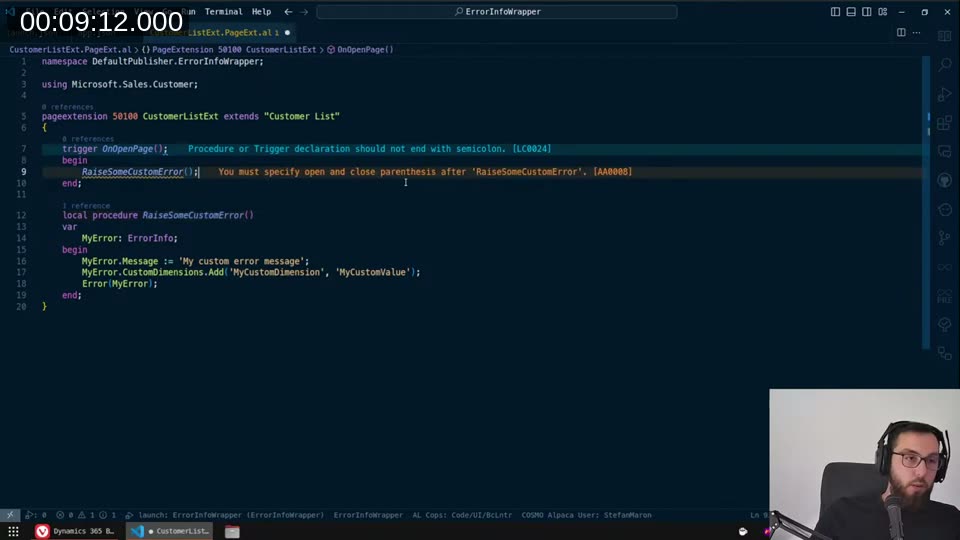
You always need a dedicated procedure just to raise one error. That’s the thing that’s been bothering me. I opened a BC Idea for this and also filed an issue on the BCApps repo, wanting to implement it myself.
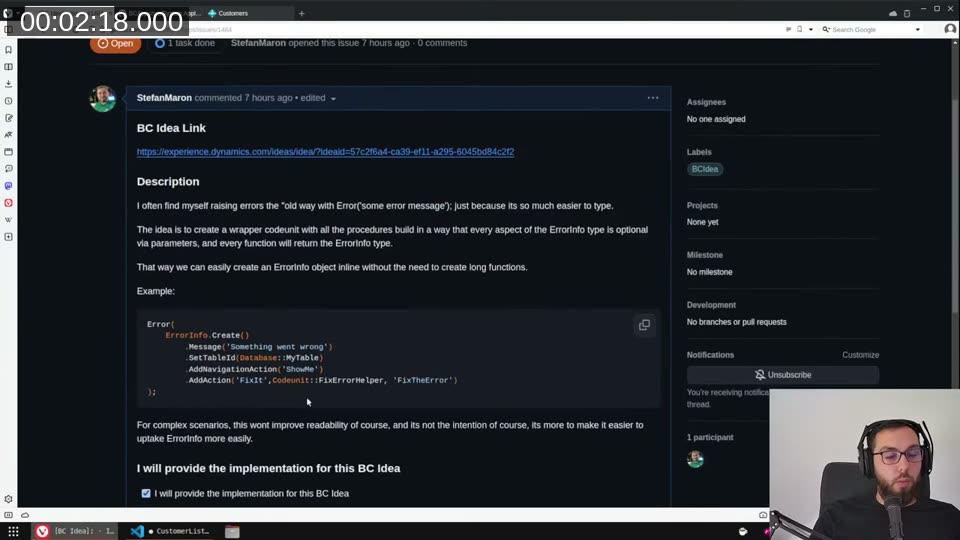
The idea: a codeunit where every setter returns this — the codeunit itself — so you can chain calls. No separate procedure, no temporary variable you have to juggle. Just:
Error(
    ErrorInfoWrapper
        .Title('My custom error title')
        .Message('My custom error message')
        .DetailedMessage('My custom detailed error message')
        .AddCustomDimension('MyCustomDimension', 'MyCustomValue')
        .GetErrorInfo()
);
Exploring what ErrorInfo can actually do
Before jumping into the wrapper, I spent time going through every property and method on ErrorInfo — partly because I’ve never had the time on client projects to play with all of it.
A few things I discovered along the way:
Custom dimensions are by-reference. When you call MyError.CustomDimensions, you get back the dictionary directly (not a copy), so calling .Add() on the return value actually mutates the ErrorInfo object. That caught me off guard.
ErrorType and Verbosity affect telemetry, not the client. Setting ErrorType to Internal replaces the user-facing message with a generic “An error occurred” — which I honestly can’t think of a good reason to do. The verbosity levels only influence what gets sent to telemetry.
MessageTitle sets the dialog window title. A small thing, but actually nice — without it, there is no title at all on the error dialog.
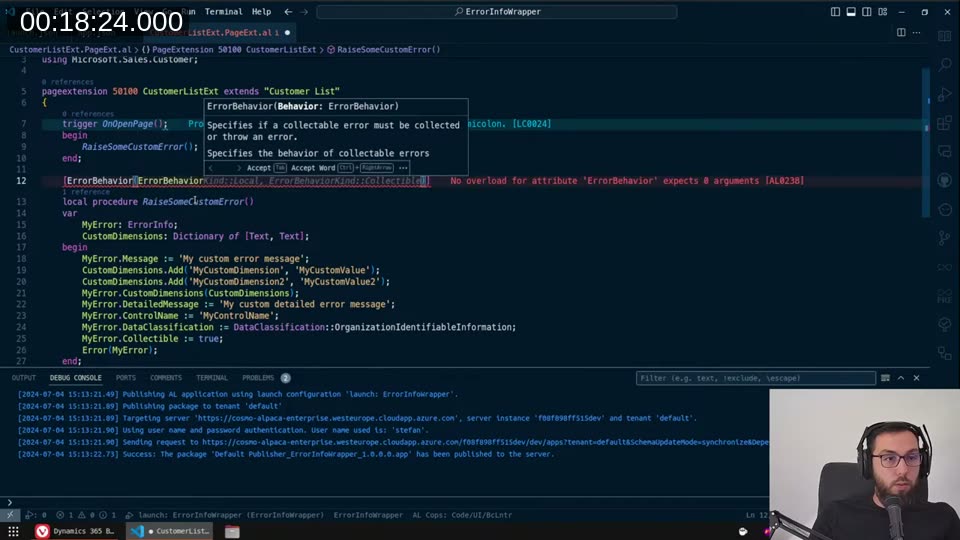
Collectible enables deferred errors. If you set Collectible := true and the calling code uses ErrorBehavior(ErrorBehavior::Collect), the error gets collected rather than immediately interrupting execution. Both sides need to opt in.
Navigation actions vs. fix-it actions are distinct. AddNavigationAction opens a page (useful for “go fix it yourself” scenarios). AddAction runs a codeunit method (useful for “let me fix it for you” scenarios). The codeunit method receives the ErrorInfo object as a parameter, which means you can pass data back via custom dimensions.

📖 Docs: The ErrorInfo data type reference covers all properties and methods. The Actionable errors guide explains the show-it / fix-it pattern in more depth.
Building the wrapper — the this keyword
The key insight for the implementation is the this keyword, which arrived in AL with runtime 14 (Business Central 2024 wave 2, version 25). It works like CurrPage but for codeunits — it gives you a reference to the current instance of the codeunit. That means every procedure can return this, making the whole thing chainable.
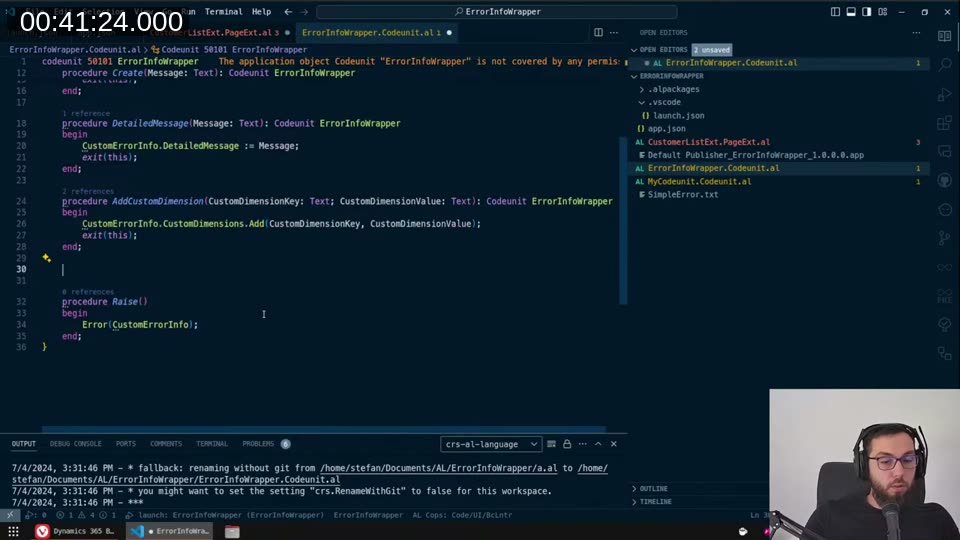
codeunit 50101 ErrorInfoWrapper
{
    var
        CustomErrorInfo: ErrorInfo;

    procedure Title(TitleParam: Text): Codeunit ErrorInfoWrapper
    begin
        this.CustomErrorInfo.Title := TitleParam;
        exit(this);
    end;

    procedure Message(MessageParam: Text): Codeunit ErrorInfoWrapper
    begin
        this.CustomErrorInfo.Message := MessageParam;
        exit(this);
    end;

    procedure AddCustomDimension(CustomDimensionKey: Text; CustomDimensionValue: Text): Codeunit ErrorInfoWrapper
    begin
        this.CustomErrorInfo.CustomDimensions.Add(CustomDimensionKey, CustomDimensionValue);
        exit(this);
    end;

    // ...

    procedure GetErrorInfo(): ErrorInfo
    begin
        exit(this.CustomErrorInfo);
    end;
}
📖 Docs: The this keyword documentation on Microsoft Learn covers how self-reference works in codeunits. It’s new enough that it wasn’t there for older runtime targets.
The facade pattern
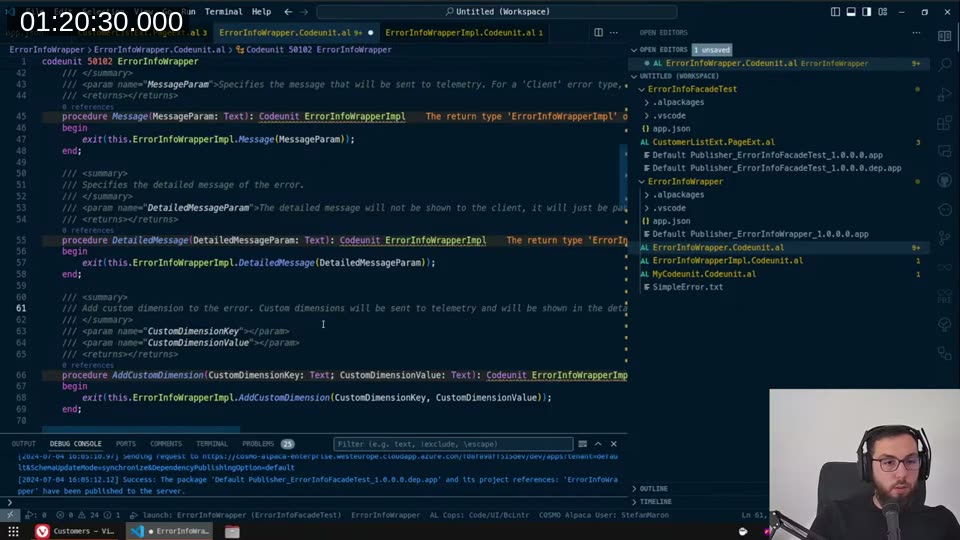
If this is going to go into the system app, it needs to follow the facade pattern — a public-facing codeunit that delegates to an internal implementation codeunit. The implementation codeunit (ErrorInfoWrapperImpl) gets Access = Internal, while ErrorInfoWrapper (the facade) is what consumers reference.
The facade procedure looks like this:
procedure Message(MessageParam: Text): Codeunit ErrorInfoWrapperImpl
begin
    exit(this.ErrorInfoWrapperImpl.Message(MessageParam));
end;
One limitation: because ErrorInfoWrapperImpl is internal, the return type of the facade methods can’t be ErrorInfoWrapperImpl in a useful way for external callers. So the chaining happens inside the implementation; external callers just call the facade sequentially. It still dramatically reduces the boilerplate compared to building up an ErrorInfo manually.
I also decided to leave out the Raise() helper — even though it’s convenient, it adds an extra frame to the call stack, so errors look like they came from the wrapper rather than your code. Better to let callers do Error(wrapper.GetErrorInfo()) themselves.
Documentation as a first-class concern
I wrote XML doc comments for every single procedure. Partly because the Microsoft ones are a bit thin — they tell you what a parameter is, but not why you’d set it or what happens when you combine it with other options. I wanted the hover text in VS Code to actually be useful.
What it looks like in use
Here’s the final usage from the test extension:
local procedure RaiseSomeCustomErrorWithCodeunit()
var
    Vendor: Record Vendor;
    ErrorInfoWrapper: Codeunit ErrorInfoWrapper;
begin
    Vendor.Get('40000');

    Error(
        ErrorInfoWrapper
            .Title('My custom error title, from second app')
            .Message('My custom error message')
            .DetailedMessage('My custom detailed error message')
            .ControlName('MyControlName')
            .DataClassification(DataClassification::OrganizationIdentifiableInformation)
            .AddCustomDimension('MyCustomDimension', 'MyCustomValue')
            .GetErrorInfo()
    );
end;
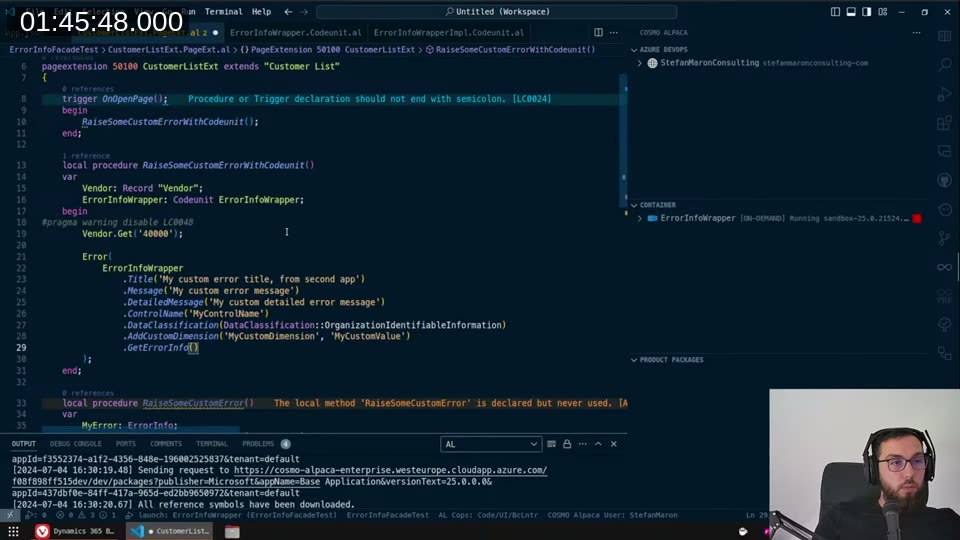
No dedicated RaiseSomeCustomError procedure. No MyError variable. Just the wrapper, chained, inline.
Status and availability
At the time of the stream the BC Idea hadn’t been approved yet, so I couldn’t open a PR. But the code is done and published to GitHub:
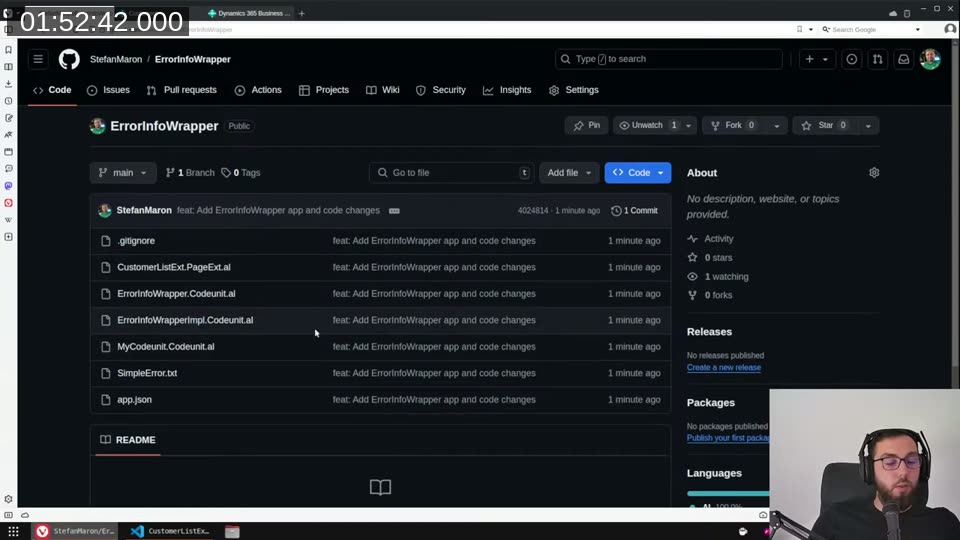
github.com/StefanMaron/ErrorInfoWrapper
If the PR gets approved, this goes into the system app and you won’t need to copy it. If not, it’ll stay on GitHub as a standalone dependency you can reference. Either way, the ErrorInfo type is genuinely underused — if you’ve been skipping it because of the boilerplate, this wrapper should make it much less painful.
This post was drafted by Claude Code from the stream transcript and video frames. The full stream is on YouTube if you want the unfiltered version. (I did read and check the output before posting, obviously 😄)