LinterCop Development: Fixing LC0068 False Positives and the Sandbox Code History Repo
This stream happened to land on a good day — I’d just been accepted as a Microsoft MVP, so I opened with that before diving straight into bug fixes for LinterCop
. The focus was on LC0068, the rule that warns when an object is missing the Permissions property for table data it touches, and there were a handful of community-reported false positives sitting in the issue tracker that needed attention.
The full stream is on YouTube if you want to follow along.
What LC0068 actually checks
The idea behind the rule is straightforward: if your codeunit, page, or report reads, inserts, modifies, or deletes data from a table, it should declare that in its Permissions property. Without it, the object silently breaks indirect permissions.
Indirect permissions is the mechanism where a user with no direct access to a table can still run code that touches it — but only if that code explicitly declares the required tabledata permissions. If the developer forgets to add Permissions = tabledata Customer = r;, anyone relying on indirect access will get a runtime error that’s hard to trace.
📖 Docs: Permissions on Database Objects — Microsoft Learn — covers direct vs. indirect access and the RIMD notation.
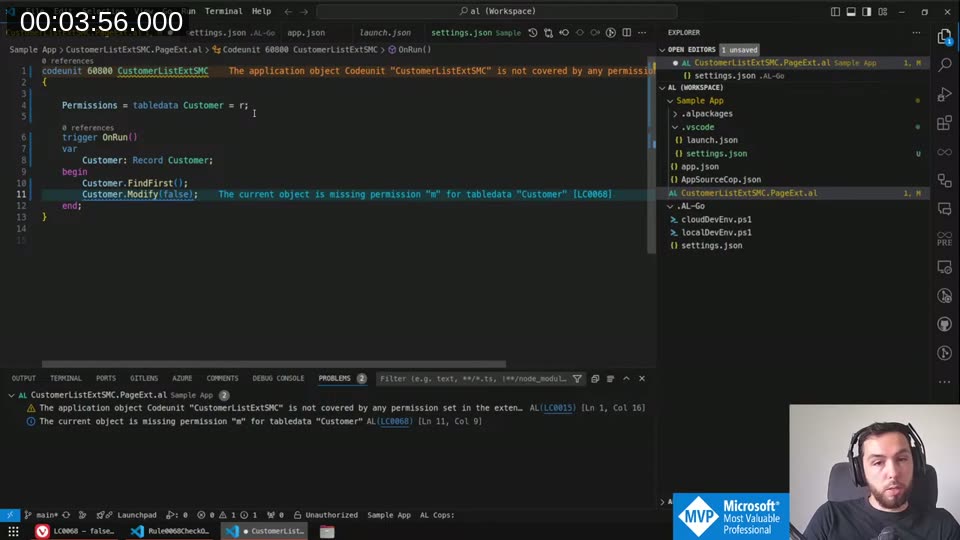
False positive #1: Record Integer (issue #744)
The Integer table is a virtual system table — it has no real data, it’s just used for loops. There’s obviously no value in declaring permissions on it. The fix was to check whether targetTable.Id > 2000000000 (the threshold for system/virtual tables) and return early if so.
I added the ID check in CheckProcedureInvocation in Rule0068CheckObjectPermission.cs, confirmed it worked with the debugger, then added a test case IntegerTable.al in the NoDiagnostic folder.
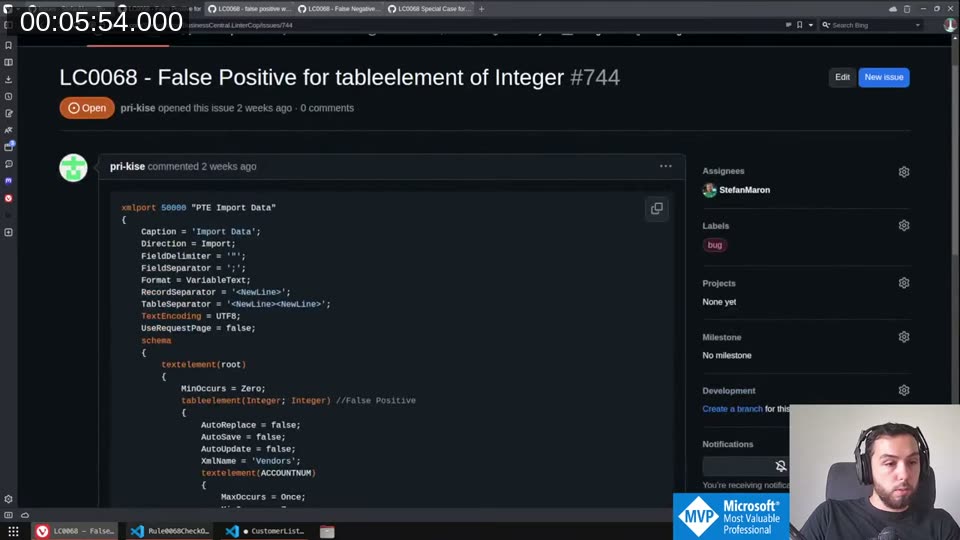
One thing that bit me: LinterCop’s test kit uses Roslyn fixtures that need an IntegerTable dependency to compile, and the test template didn’t have it. For now I marked that particular test case as excluded rather than spending stream time on the infrastructure fix — something to sort out with the contributor who built the test automation.
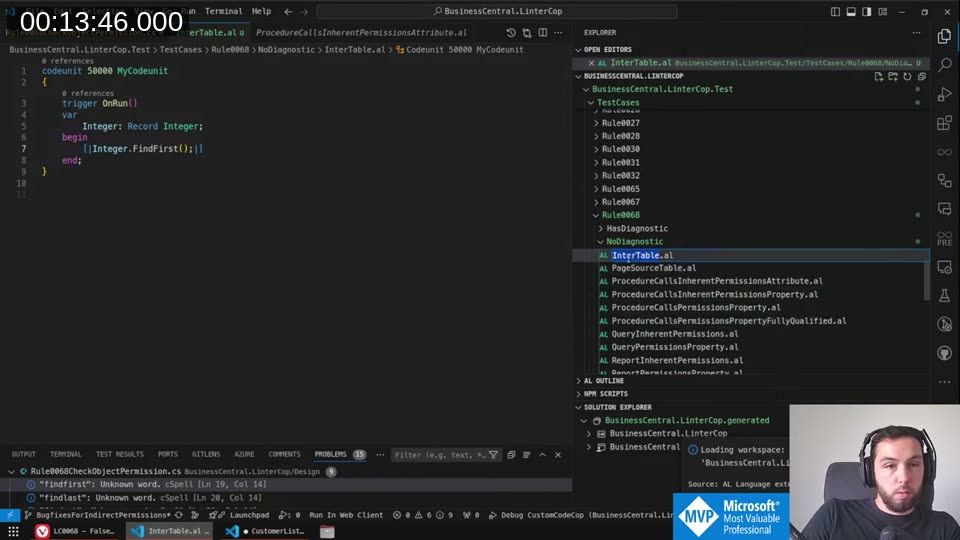
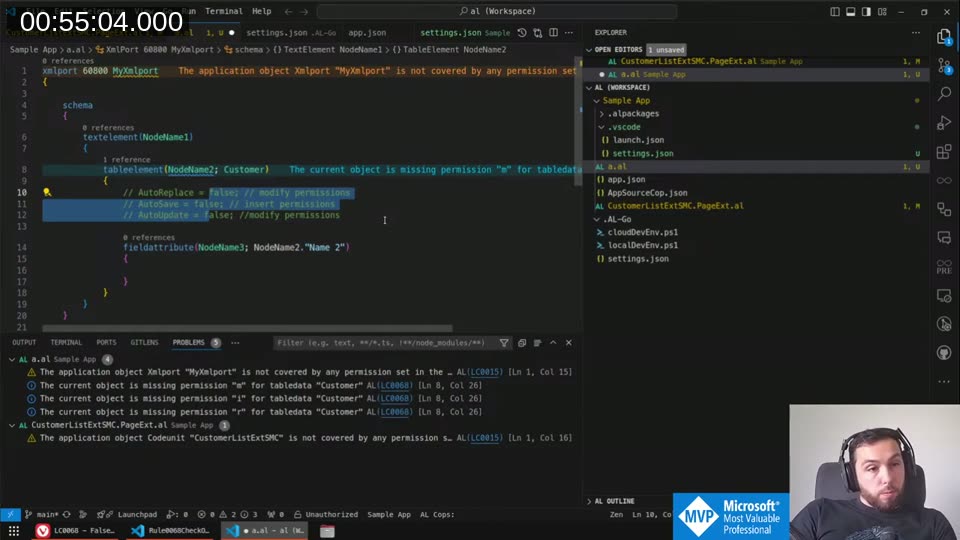
False positive #2: XMLPort table elements with AutoReplace/AutoSave/AutoUpdate all false
This one was trickier. When an XMLPort has a tableelement, the rule was always requiring modify permissions. But if AutoReplace = false, AutoSave = false, and AutoUpdate = false, the port isn’t writing anything — it’s just reading. The rule should only ask for insert or modify permissions when those flags are actually true.
The fix lives in CheckXmlportNodeObjectPermission. The logic:
AutoReplace = trueorAutoUpdate = true→ modify permissions neededAutoSave = true→ insert permissions needed- All three false (or direction is export only) → read is sufficient
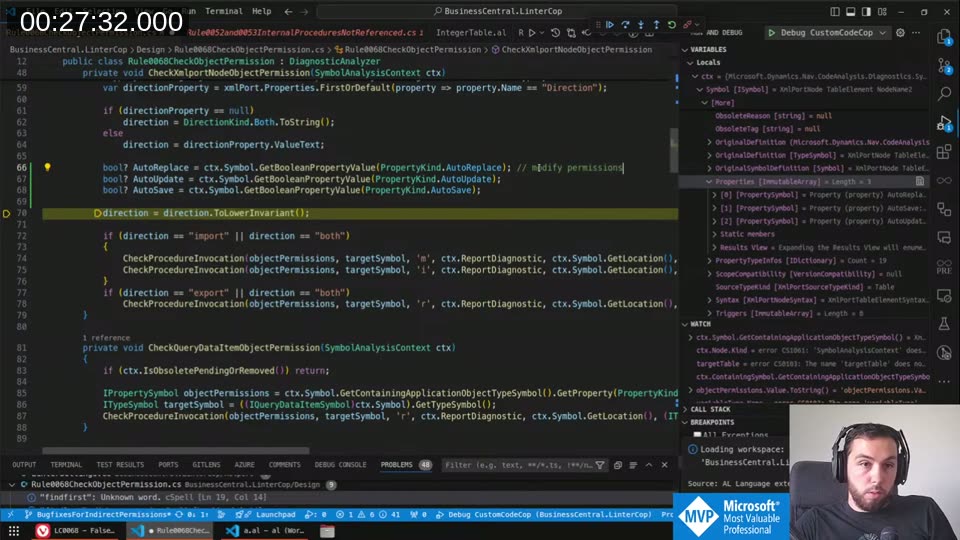
Getting the property values out of the AL symbol model was more painful than it should be. Microsoft explicitly doesn’t commit to a stable API here — they want to be free to make breaking changes — so the property names in the C# symbols can drift from what’s actually in the compiler. I spent a good chunk of time in the debugger discovering that the VS Code AL extension version and the compiler version I was referencing were mismatched, which made GetBooleanPropertyValue return garbage. Running ./vscode/LoadALLanguage.ps1 to resync the AL language binaries fixed it.
The working approach ended up using GetSimplePropertyValue<bool> with LINQ’s FirstOrDefault filtered by PropertyKind:
bool? AutoReplace = ctx.Symbol.GetSimplePropertyValue<bool>(PropertyKind.AutoReplace);
bool? AutoUpdate = ctx.Symbol.GetSimplePropertyValue<bool>(PropertyKind.AutoUpdate);
bool? AutoSave   = ctx.Symbol.GetSimplePropertyValue<bool>(PropertyKind.AutoSave);
The null-coalescing operator (??= true) came in handy here too — properties that aren’t explicitly set in AL return null, but their default is true, so null should be treated as true for the permission check.
Fix #3: InherentPermissions attribute case-sensitivity
A quick one. The rule’s ProcedureHasInherentPermission check was doing a case-sensitive string comparison on the permission value, so [InherentPermissions(PermissionObjectType::TableData, Database::MyTable, 'R')] (capital R) would not suppress the warning, but lowercase r would. One .ToLowerInvariant() call sorted it.
The RecordRef case — left open
There’s an open issue (#755) about RecordRef.FindFirst() not triggering LC0068. I dug into it: when the variable type is RecordRef, the AL compiler’s symbol model doesn’t expose which table the ref is pointing at. At compile time, you can’t know — RecordRef is designed to be assigned dynamically. There may be a narrow case where the table is hardcoded via SetTable, but in general this looks like a fundamental limitation. I filed that as a known gap and moved on.
All three fixes merged and 116 tests green
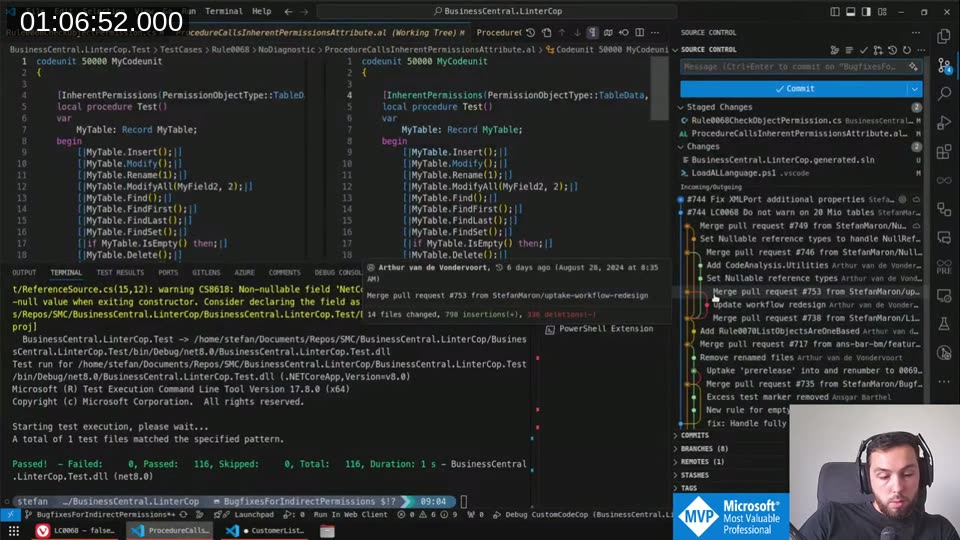
The three fixes went into the pre-release branch as a single PR. The test suite went from 115 to 116 passing (the XMLPort table element test case), with the Integer table test excluded pending infrastructure work.
Bonus: MSDyn365BC.Sandbox.Code.History
With a bit of time left, I walked through a repository that apparently not many people know about: MSDyn365BC.Sandbox.Code.History .
It’s the sandbox equivalent of the well-known MSDyn365BC.Code.History repo. Where the on-prem history updates monthly, sandbox builds can change multiple times a day. So I automated it with GitHub Actions: a matrix build across 50 country versions running in parallel, nightly.
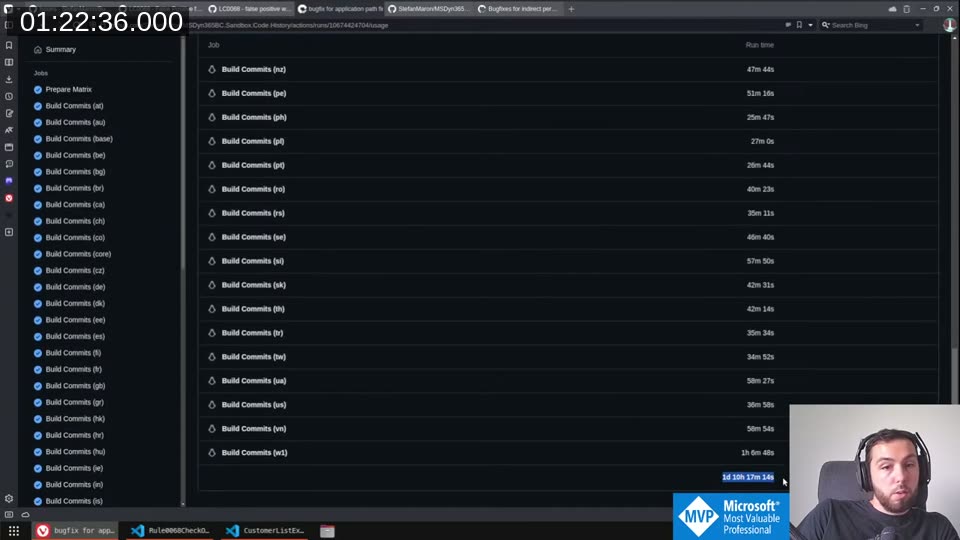
The total accumulated runtime on that workflow is over 34 hours per run — which is why it has to be parallel, and why it only works because public repos get free Actions minutes from Microsoft. The W1 (world) branch alone sits at 1,300+ commits.
Cloning it without dying
The repo has 250+ branches, each with hundreds of commits. Cloning the whole thing naively isn’t realistic. The README documents partial clone strategies. The ones worth knowing:
Single branch, full history:
git clone -b w1-24 --single-branch https://github.com/StefanMaron/MSDyn365BC.Sandbox.Code.History
Single branch, shallow (last N commits):
git clone -b w1-24 --depth 50 https://github.com/StefanMaron/MSDyn365BC.Sandbox.Code.History
Note: --depth implies --single-branch automatically.
Add more country branches later:
git remote set-branches --add origin de-24
git fetch
To remove a branch tracking from the remote config you have to edit .git/config directly — VS Code doesn’t surface that file by default, but you can open it from the terminal.
Comparing versions
Once you’ve cloned it, you can use VS Code’s GitLens (or the built-in diff) to compare any two commits. Select one commit, right-click → “Select for Compare”, then right-click another → “Compare with Selected”. You get a full file-by-file diff between, say, w1-24.3 and w1-24.4.
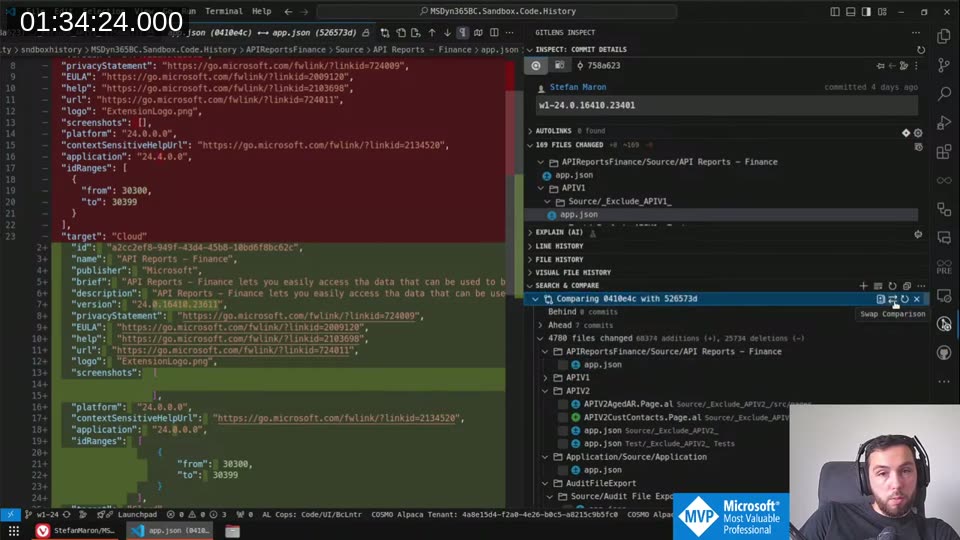
The sandbox repo was only at 10 stars at time of recording — presumably because most people didn’t know it existed. If you do any kind of version-diff work or want to track sandbox changes between your upgrades, it’s worth bookmarking.
This post was drafted by Claude Code from the stream transcript and video frames. The full stream is on YouTube if you want the unfiltered version. (I did read and check the output before posting, obviously 😄)