Reviewing Microsoft's AI Test Toolkit PR in BCApps — Guideline Fixes Live
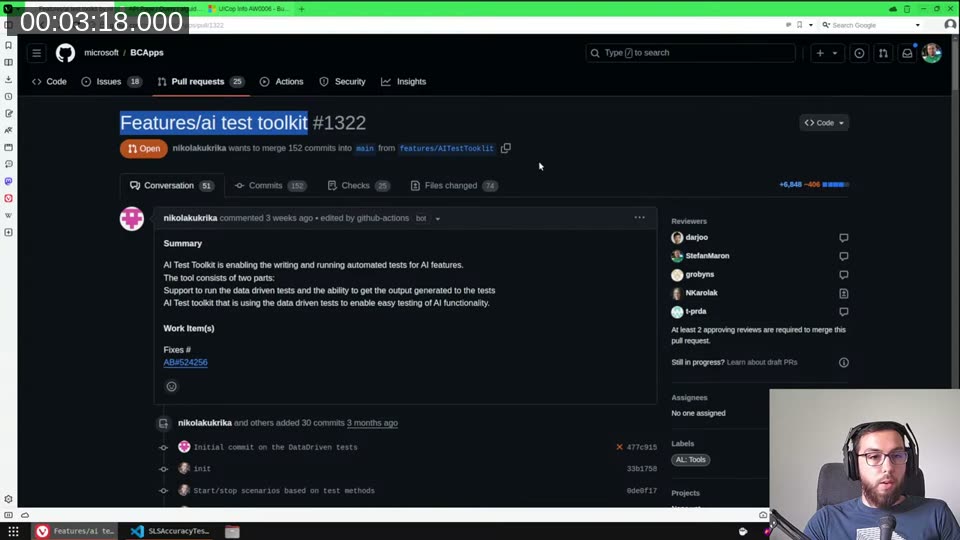
The full stream is on YouTube if you want to watch along. The short version: Microsoft opened a pull request to add an AI Test Toolkit to the public BCApps repository , and I spent a stream going through it file by file, fixing AL guideline violations and trying to get a counter-PR merged.
The previous session I’d reviewed the PR and left individual comments on things I spotted. What I learned from that: if you click “Add comment” instead of “Start review”, GitHub sends one email per comment to everyone subscribed to the PR. I triggered around 40 of those. Lesson learned — always use “Start review” to bundle them.
The PR: what’s being added
PR #1322 introduces a two-part AI testing framework to BCApps:
- AI Test Toolkit — the core app, with tables, pages, an import/export XMLport, and API pages for interacting with AI test suites and log entries
- Test Runner changes — updates to the existing Test Runner to support the data-driven test approach the toolkit relies on
The toolkit’s idea is to let you define test scenarios in a dataset (XML), run them through a codeunit marked with Subtype = Test, and then compare actual AI output against expected results. There are sample implementations in the PR — a SentenceValidator, a MarketingTextQualityTest, and a SalesLinesSuggestions test — which give a good sense of how you’d use it in practice.
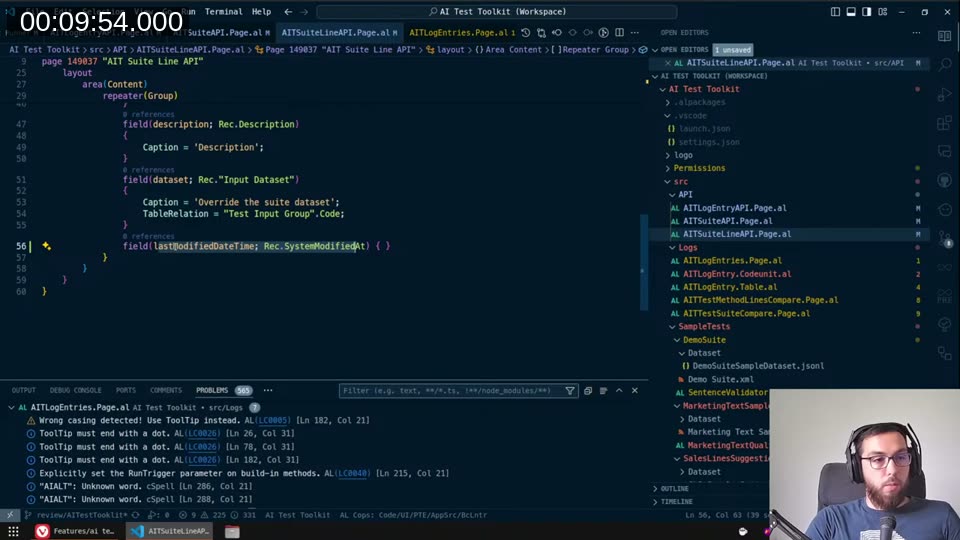
I forked the BCApps repo, created a branch off the PR branch (features/AITestToolkit), set up a multi-app workspace in VS Code so I could compile both apps together, and loaded Microsoft’s own ruleset files from the repo’s ruleset folder. That’s what surfaced the several hundred LinterCop diagnostics we worked through on stream.
What LinterCop catches that the compiler doesn’t
With LinterCop enabled and Microsoft’s own rulesets applied, the Problems panel in VS Code lights up with things the base compiler would never mention. The most common categories in this PR:
- Wrong casing — LinterCop syncs against the language server’s symbol definitions, so it knows whether you wrote
ToolTiporTooltip(LC0005). Using IntelliSense when you type would have prevented most of these. - ToolTip must end with a dot (LC0026) — easy to miss, consistent across every file
- Caption missing (LC0016) — fields and pages without captions; some were genuinely missing, some were intentional omissions for internal objects
- Application Area equal to the Page — remove to reduce redundancy (LC0020) — when
ApplicationAreais set at the page level, you don’t need to repeat it on every field - AllowInCustomizations not explicitly set (LC0035) — a LinterCop nudge to make you think about whether a field should be eligible for role-centre customisation or not
- Namespace missing — several files were missing the namespace declaration entirely, which is an error, not just a warning
📖 Docs: LinterCop is a community-driven AL linter I maintain. Rules like LC0005, LC0016, LC0026, LC0035 and many others are documented on the LinterCop wiki .
One actual code improvement: the FlowField refactor
Most of what I did was mechanical — fix casing, add captions, add ToolTip dots. But there was one spot where I made a real code change.
The AITALTestSuiteMgt.Codeunit.al had a RemoveEmptyCodeunitTestLines procedure that went through test method lines in a loop: for each codeunit line, it read child function lines to check if any existed, and if not, called Delete(). That’s a classic N+1 query pattern — one read per codeunit header line.
Instead, I added a FlowField to the AIT Test Method Line table:
field(20; "No. of Functions"; Integer)
{
    Caption = 'No. of Functions';
    Editable = false;
    FieldClass = FlowField;
    CalcFormula = count("AIT Test Method Line" where(
        "Test Suite" = field("Test Suite"),
        "Test Codeunit" = field("Test Codeunit"),
        "Line Type" = const(Function)));
}
Then the delete loop collapses to:
TestMethodLine.SetRange("No. of Functions", 0);
TestMethodLine.DeleteAll(true);
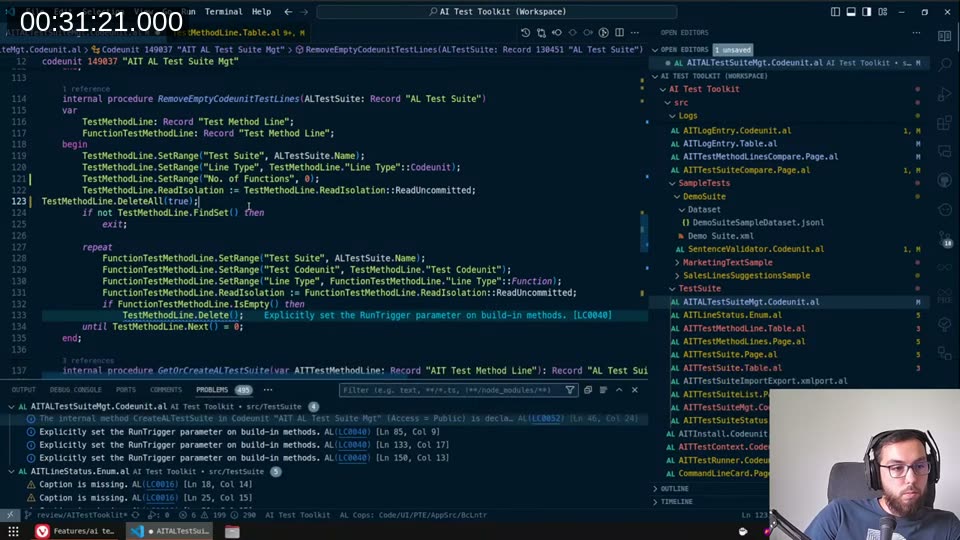
SQL Server handles this as a single DELETE with a join instead of N individual deletes. The FlowField filter becomes part of the query plan. For a small table it doesn’t matter much, but the pattern is right.
The RunTrigger / ModifyAll discussion
One thing that came up a few times: whether to pass RunTrigger := true on Insert, Modify, and Delete calls, and whether to use ModifyAll instead of a repeat loop.
My rule of thumb is always pass true for RunTrigger unless you’re working with a temporary table where you’re certain no one needs to subscribe to those events. The cost of running an empty trigger is negligible. The cost of a missing trigger call is that any extension subscribing to OnAfterModifyEvent on that table simply won’t fire — silently, with no error.
ModifyAll(FieldNo, Value, true) is similar: if there’s no code in the Modify trigger, the platform will optimise it to a single SQL UPDATE. If there is code, it falls back to a loop. Either way you want the true so that if someone later adds logic to the trigger, it doesn’t get silently skipped.
The one nuance with ModifyAll is that Validate triggers don’t fire. So if you need validation logic to run on every touched record, you still need a loop with Validate.
The SetRecord + temporary record limitation
I flagged a LinterCop rule I hadn’t seen before in practice: LC0037, which warns that you can’t pass a temporary record variable as the parameter to Page.SetRecord(). The documentation confirms it — the platform simply doesn’t support it. The PR had a few instances of this pattern, which would have caused runtime errors.
Test Runner: the problem count
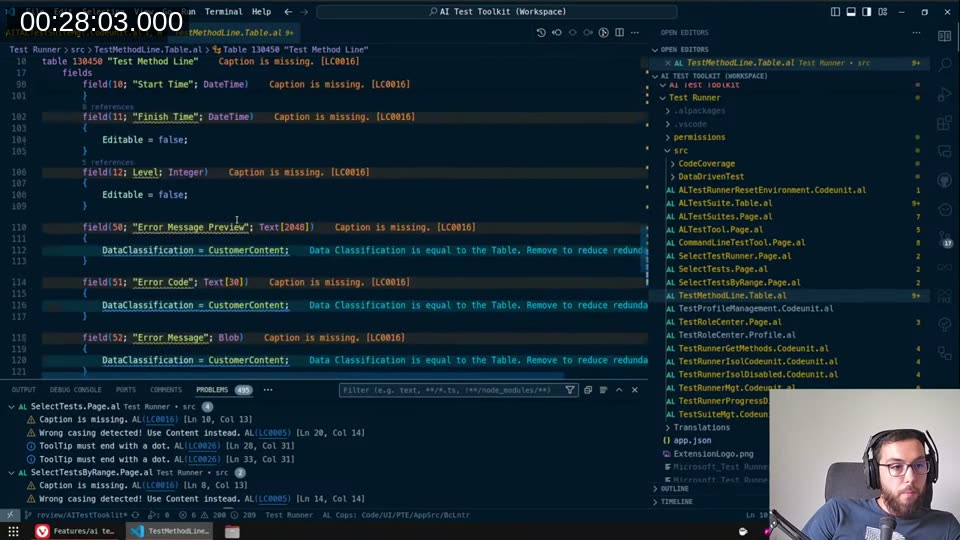
The Test Runner app (the second part of the PR) had even more warnings. Hundreds. The Problems panel stopped showing a number at some point. Most were the same categories — casing, captions, ToolTips — but the sheer volume meant I had to decide which ones I’d fix in this round and which ones I’d leave for a follow-up. My aim was to get the AI Test Toolkit app cleaned up and PR’d first, then continue with the Test Runner changes separately.
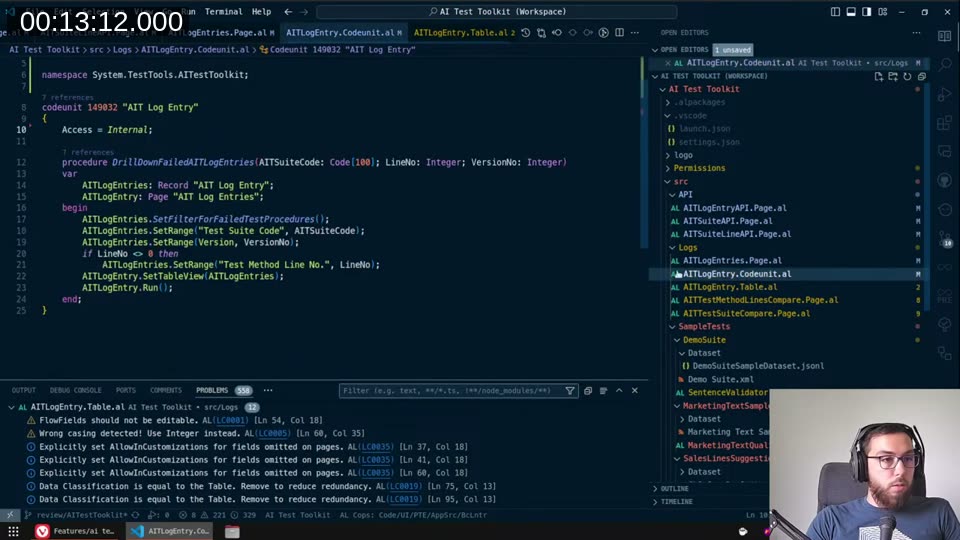
SIFT key confusion
One thing I left alone: the AIT Log Entry table has keys with IncludedFields properties but the SIFT key (SumIndexFields) seems to reference fields that don’t overlap with the key fields themselves. LinterCop flagged that the FlowField should be added to the SIFT key. I dug into it, wasn’t sure whether this was intentional or a gap in the original PR, and decided not to touch it — the risk of changing index definitions in an unreleased table is low but I’d rather leave a comment than make a silent structural change.
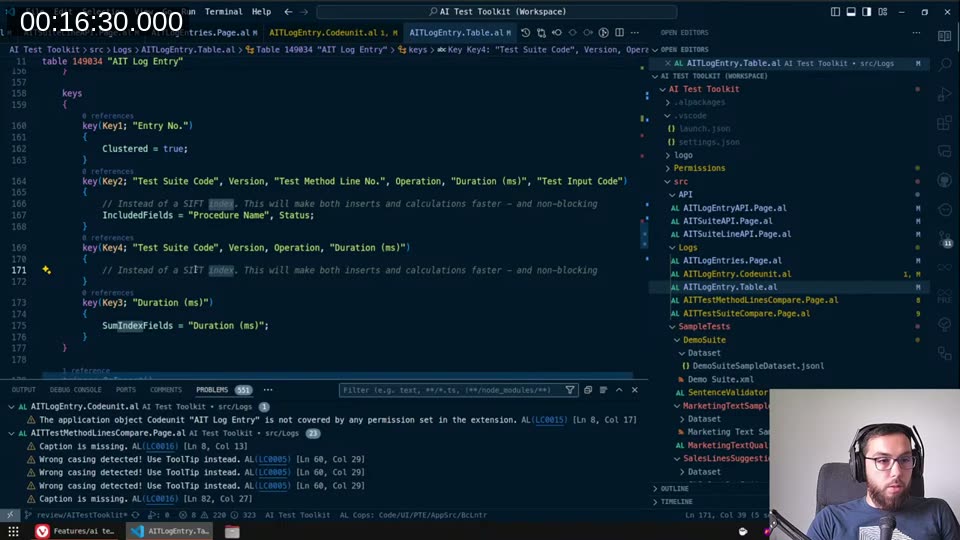
this keyword
The PR targets BC 25, and several places use the new this keyword. For a codeunit, this refers to the current codeunit instance — useful for BindSubscription(this), for passing the codeunit reference into another function, and for making it clear at a glance whether you’re referencing a global variable or a local one. LinterCop had an existing bug where it didn’t handle this correctly in some diagnostic checks, which produced false positives I could safely ignore.
Where I ended
By the end of the stream the AI Test Toolkit app changes were staged and ready to commit. The Test Runner app still had open issues that I planned to finish off-stream and push as a separate continuation. The overall goal: get the changes PR’d back against the original features/AITestToolkit branch before someone else picks up my review comments and closes them without fixing the underlying code.
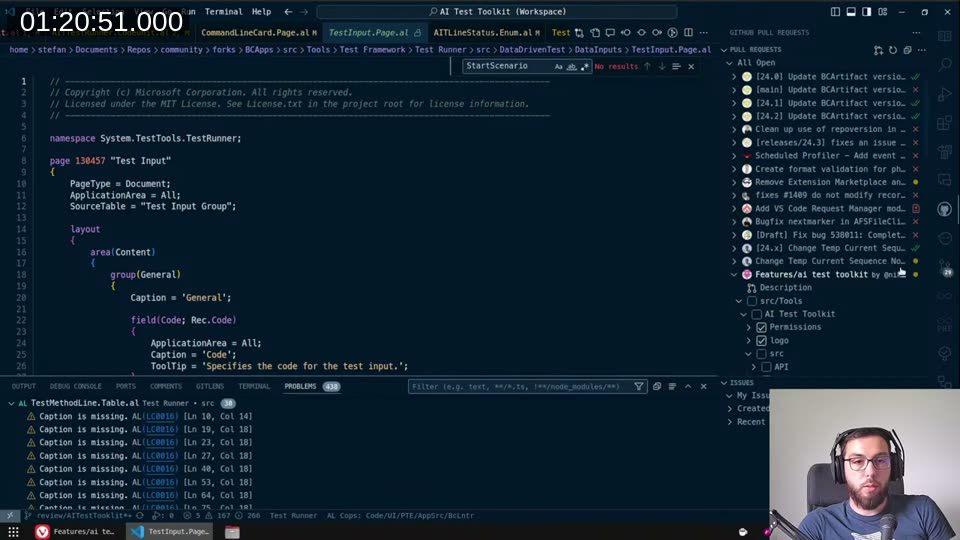
💡 Added context: The BCApps repository is public and accepts community contributions. If you want to review open PRs or contribute fixes yourself, the repo is at github.com/microsoft/BCApps . No invitation required.
This post was drafted by Claude Code from the stream transcript and video frames. The full stream is on YouTube if you want the unfiltered version. (I did read and check the output before posting, obviously 😄)